The tools

Indicators and charts, in detail

The indicators we rebuild every night, where to use them, and 7HUDRA Charts beta with every past day saved

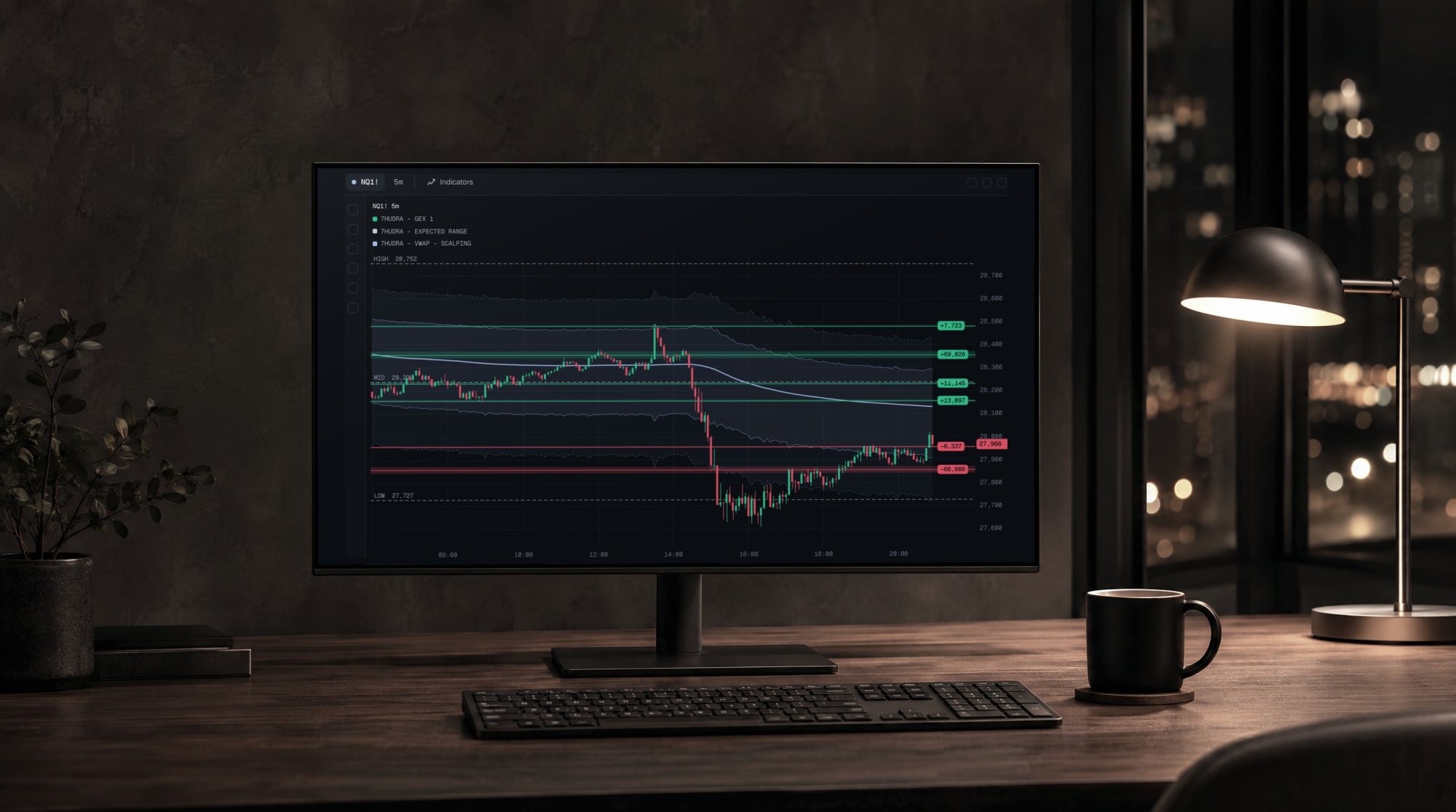
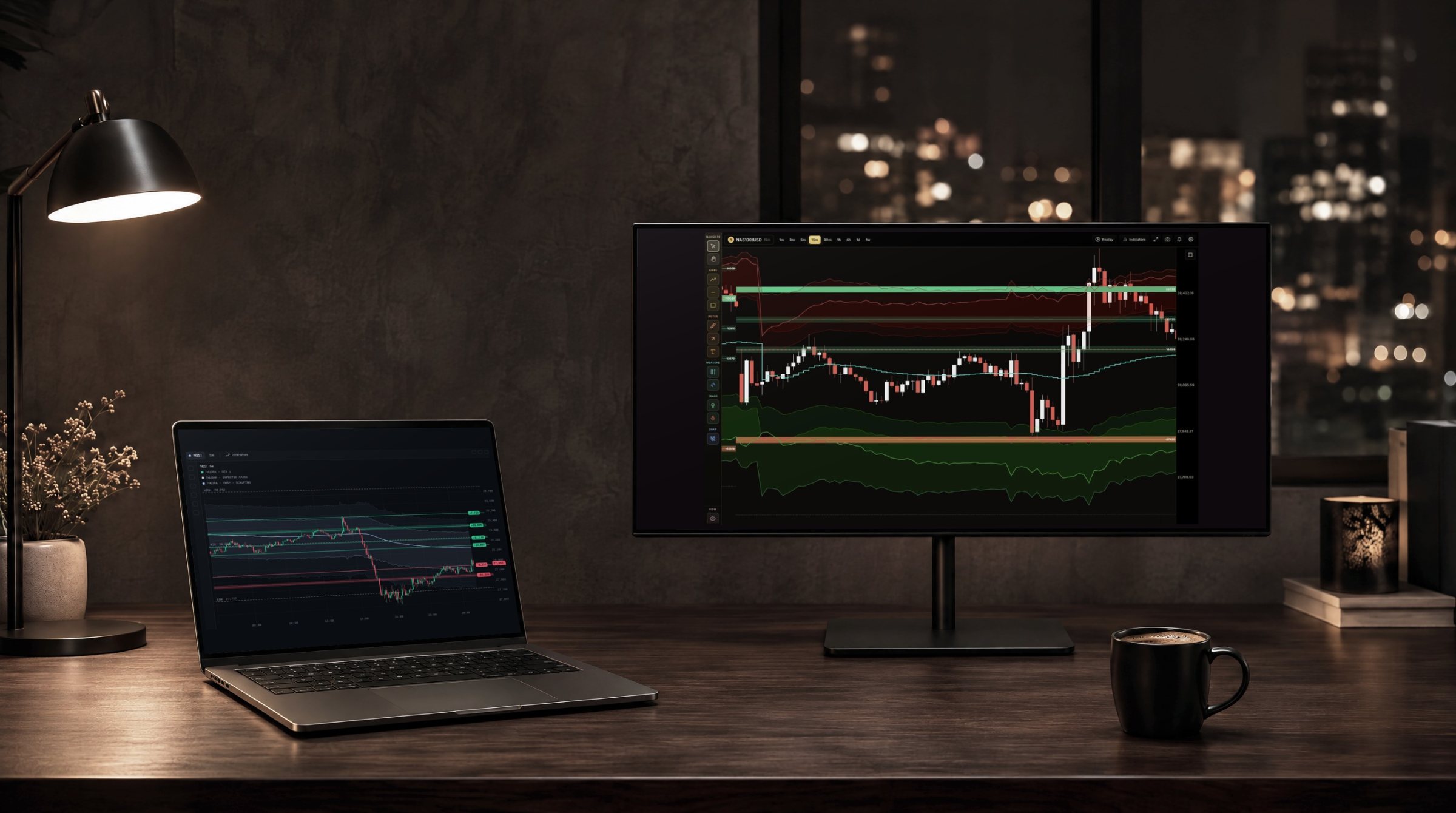
A laptop with the 7HUDRA levels on TradingView next to a monitor with 7HUDRA Charts, on a desk at night

The indicators

The map I trade on

Most indicators are math on candles that already closed. Ours start from the options market, at the prices where dealers are likely to hedge

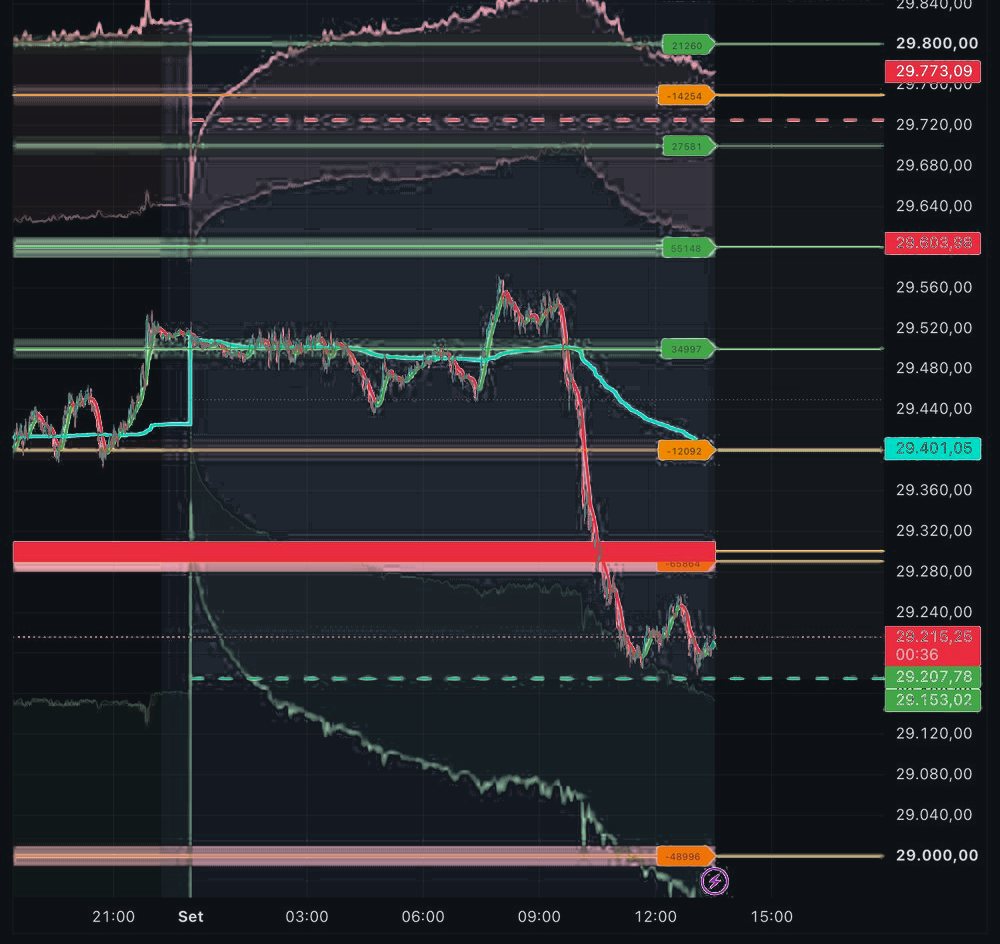
  • Green zonePrice tends to stall
  • Red zonePrice tends to run
7HUDRA GEX levels on Nasdaq futures on TradingView, green and red gamma zones with their values

GEX

Where the hedging piles up

Gamma levels from the options chains, rebuilt every night after the close. On TradingView GEX 1 and GEX 2 go on the futures charts, GEX FOREX on the currency pairs

GEX 1
BTC1! ETH1! NQ1! ES1! GC1! CL1!
GEX 2
RTY1! SILVER1! PL1! ZS1!
GEX FOREX
EURUSD GBPUSD USDJPY AUDUSD USDCAD USDCHF
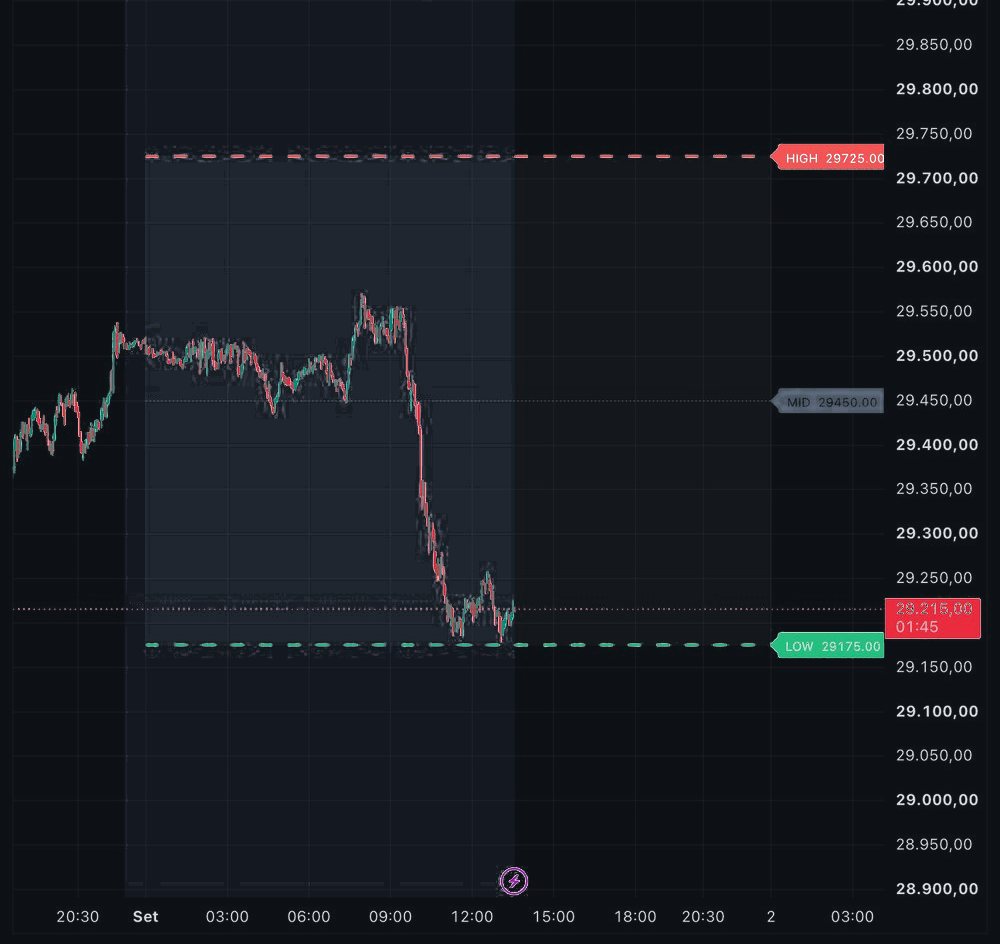
7HUDRA Expected Range on Nasdaq futures on TradingView, with the high, mid and low of the session

Expected Range

Today's box, before the open

The range the session tends to stay inside, with its high, mid and low. You see at a glance if price is still inside its box or already out

  • EXPECTED RANGE
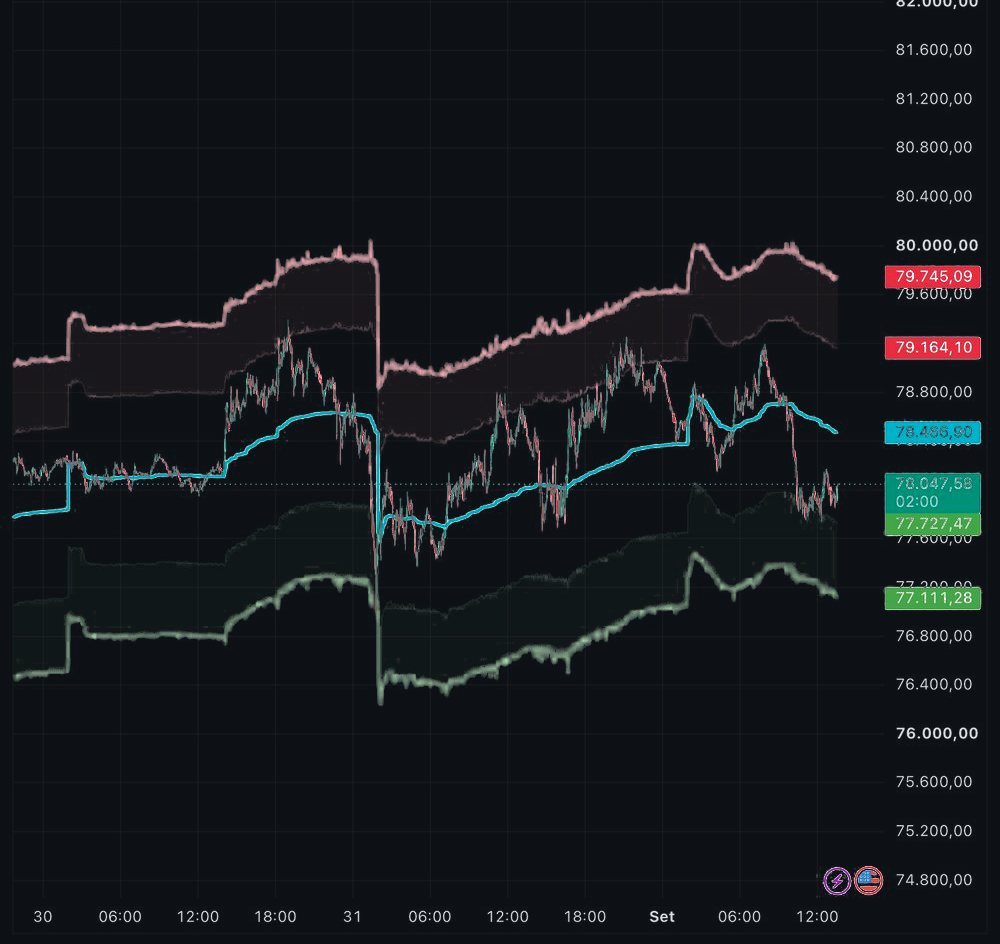
7HUDRA VWAP bands on Bitcoin on TradingView

VWAP

When price is stretched too far

Bands built on the session's expected volatility, so they widen on busy days and tighten on quiet ones. Use Scalping on normal days and Swing on days with big news

  • VWAP - SCALPING
  • VWAP - SWING

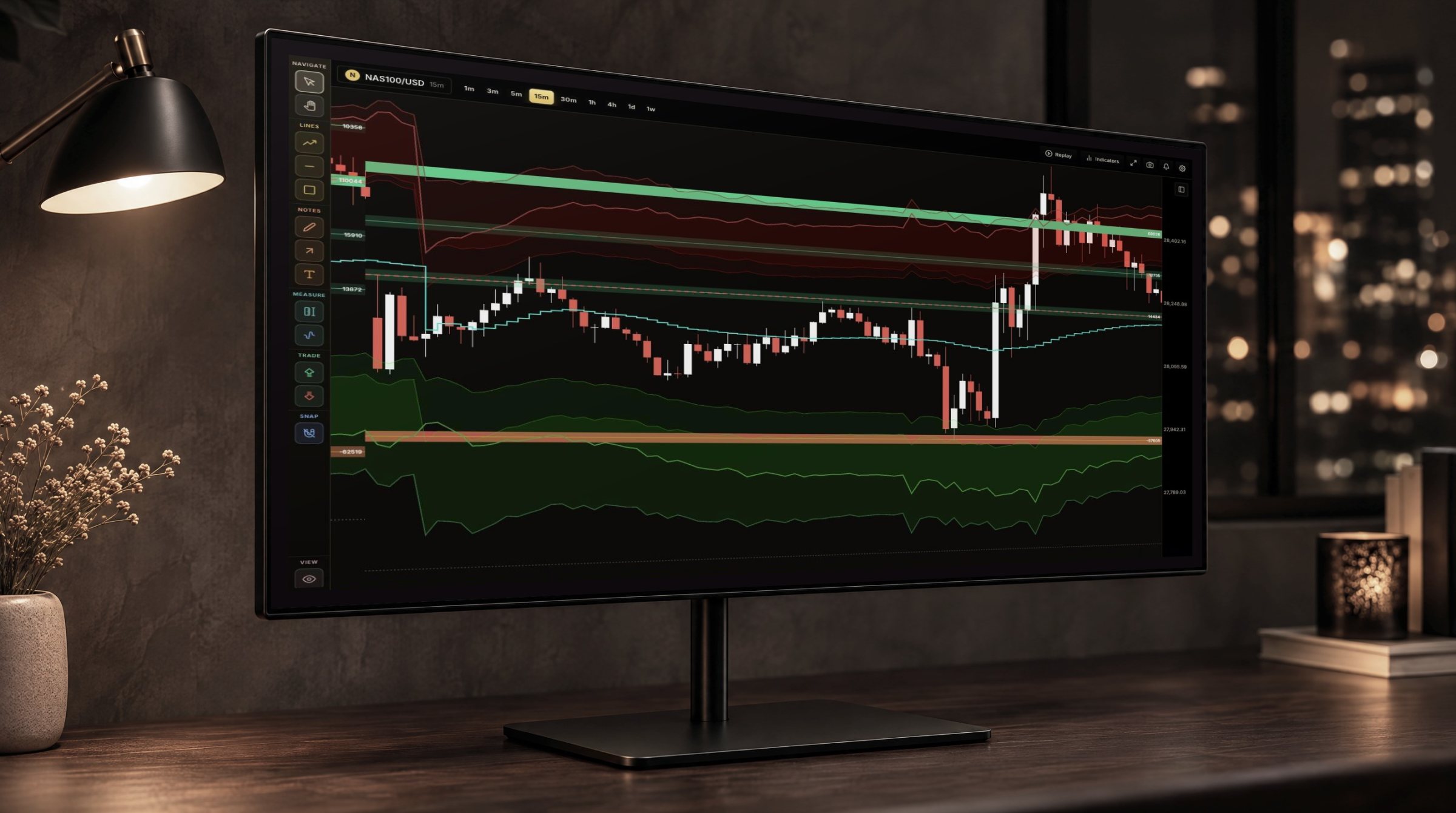
7HUDRA Charts Beta

The same indicators, with all their history

On TradingView the levels are replaced every night, so past days are gone. On 7HUDRA Charts every day stays saved, so you can replay past sessions and backtest your strategy. It runs in your browser and comes with Full Access

7HUDRA Charts beta on a monitor at night: the Nasdaq chart at 15 minutes with the 7HUDRA levels
Replay
10:30

Backtest with replay

Pick a past day, start from any candle and play it forward at your own speed, with that day's levels on the chart

Scroll back in time

Each day keeps its own levels, so you can see how price reacted to them

Practice trades

Place long and short practice trades while the replay runs. They're saved with their results, and you can pick the session back up later

Indicators built in

The same GEX, Expected Range and VWAP you use on TradingView, one click to turn them on

About 30 markets

Crypto, indices, metals, commodities and forex, from the 1-minute chart up to the weekly

Full Access

Both tools, one membership

The indicators on your TradingView and 7HUDRA Charts beta with every past day saved. Cancel any time from your account

Prices in USD, plus VAT where it applies

Only want the indicators on TradingView? See the Indicators plan

FAQ

About the platform

TradingView or 7HUDRA Charts?

You get both, so use whichever you like. On TradingView the scripts go on the futures charts, or on the currency pairs for forex, and show the latest levels only. On 7HUDRA Charts beta you can go back to any past day

Which GEX script do I need?

GEX 1 covers Bitcoin, Ether, Nasdaq, S&P 500, gold and oil, so for most people it's the only one. GEX 2 is for Russell, silver, platinum and soybeans, and GEX FOREX is for the six main currency pairs

Why can the levels on 7HUDRA Charts be a little different?

Our charts use CFD prices, so the levels are converted from futures and can be off by a little, around 5 points on Nasdaq or 30 to 50 cents on gold. On TradingView they sit on the futures chart itself

Do I need a paid TradingView plan?

No, a free account works. Real-time futures data on TradingView costs about $15 a month, paid to them. Without it the futures charts run a few minutes late, and the levels are the same either way

Is 7HUDRA Charts finished?

Not yet, it's in beta and we keep improving it

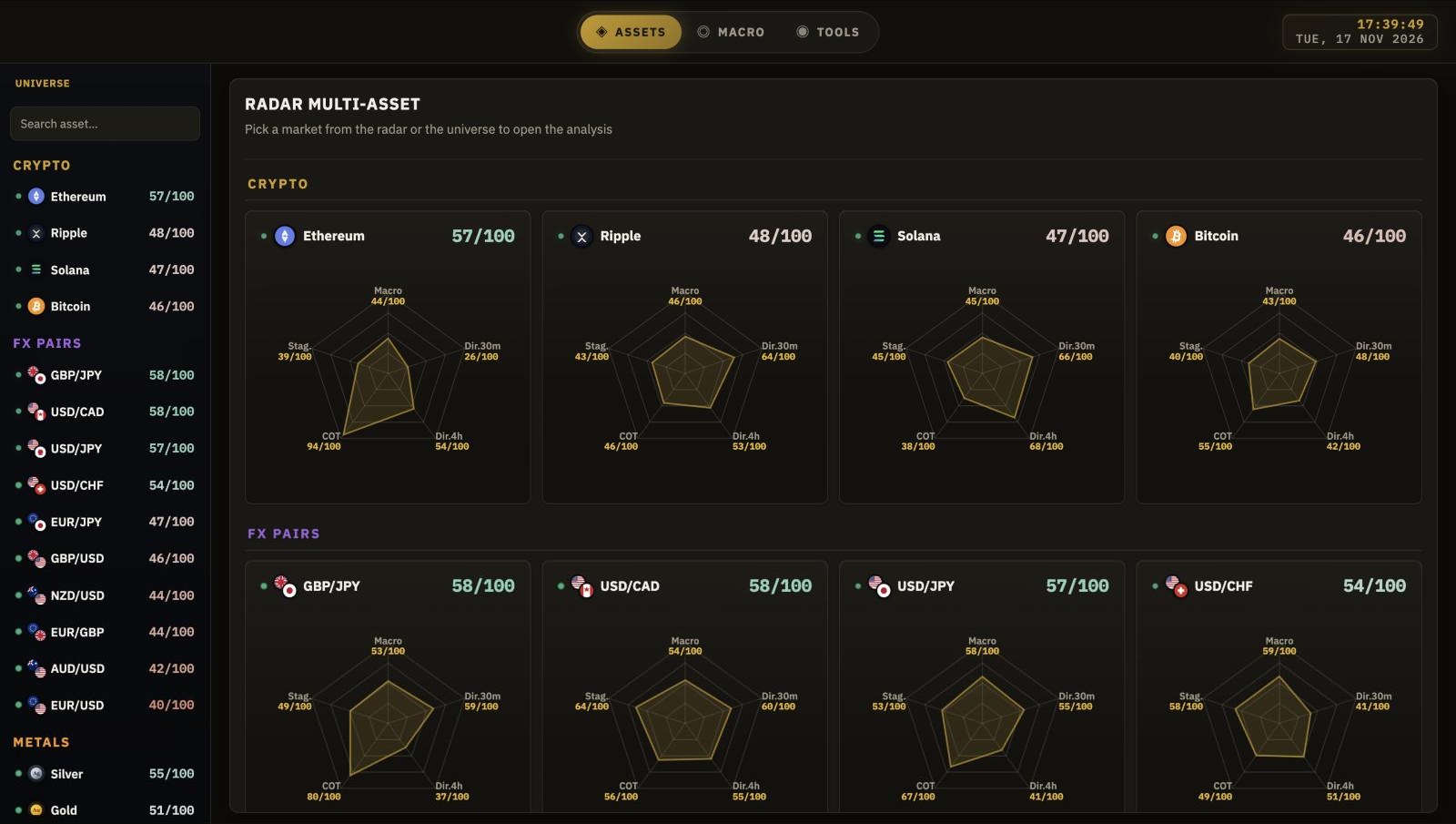
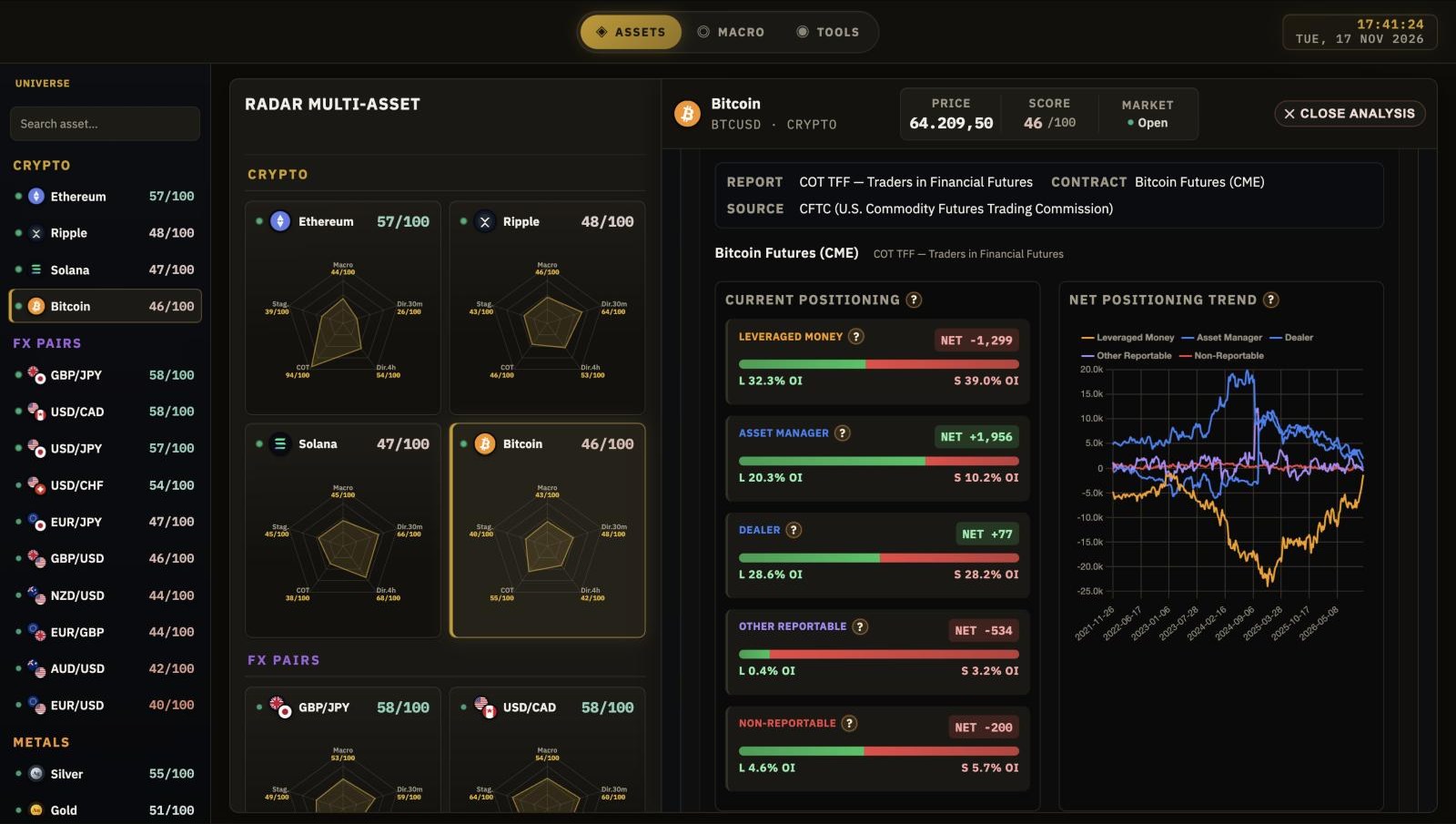
Members platform

Look inside before you join

Members also get the research we read every morning

platform.sevenhudra.com
Compass: a radar score out of 100 for each crypto and forex market

Tomorrow's levels are being built tonight

Join today and they can be on your chart for tomorrow's open

Prices in USD, plus VAT where it applies